Your labor data, answering back.

Ellie is ClickTime’s AI assistant. Ask where you’re over budget or which clients are profitable, and get the answer from your ClickTime data in seconds. Ask for a dashboard, and Ellie builds it.

Join the waitlist

What Ellie does

The answer you’d build a report for, on the spot. Every number comes straight from ClickTime.

Ask Ellie

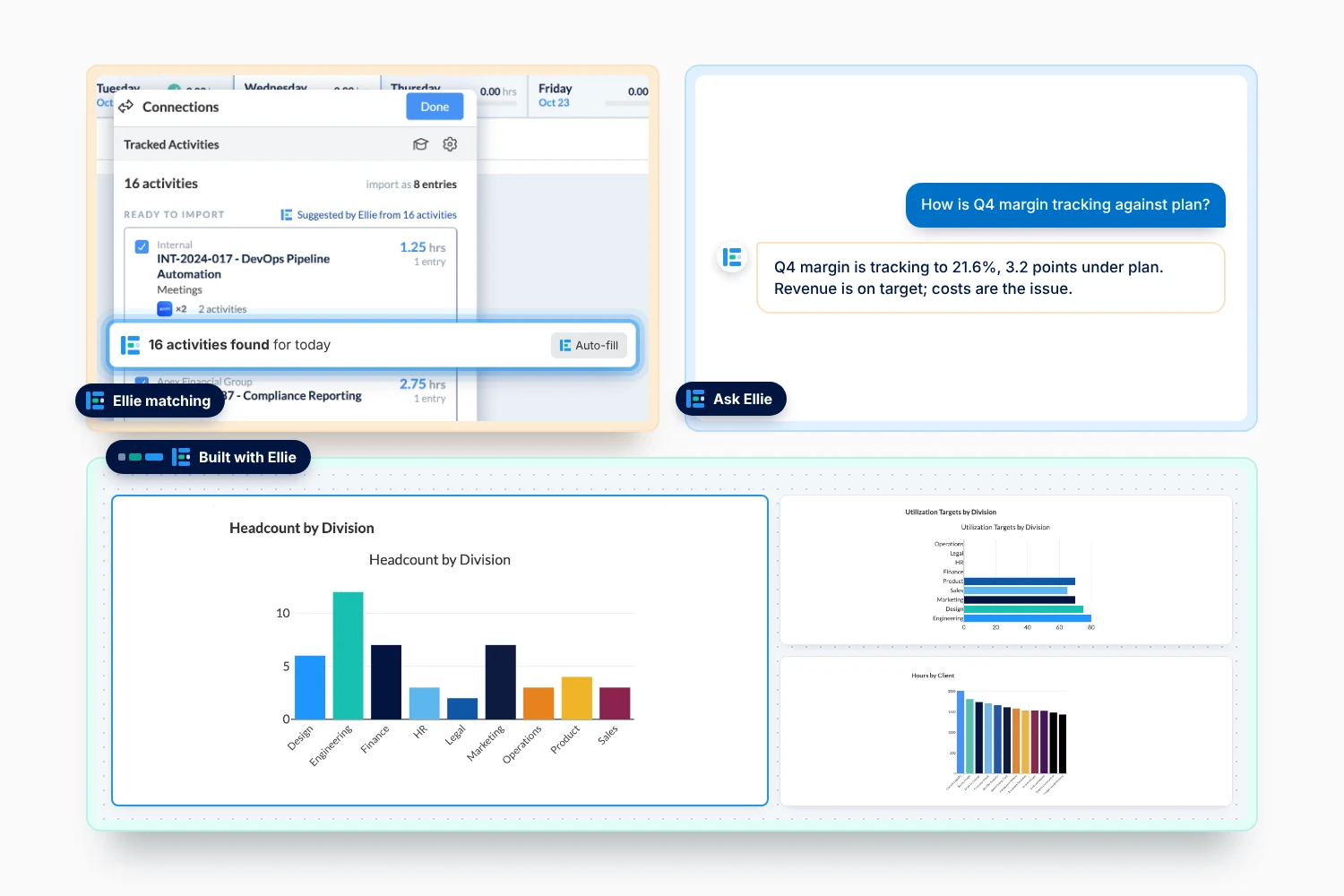
Get the answer, not a report to build. Ask about hours, labor costs, billing, budgets, expenses, and capacity in plain language. The answer comes back as a sentence, a chart or a table, and the next question picks up where the last one left off.
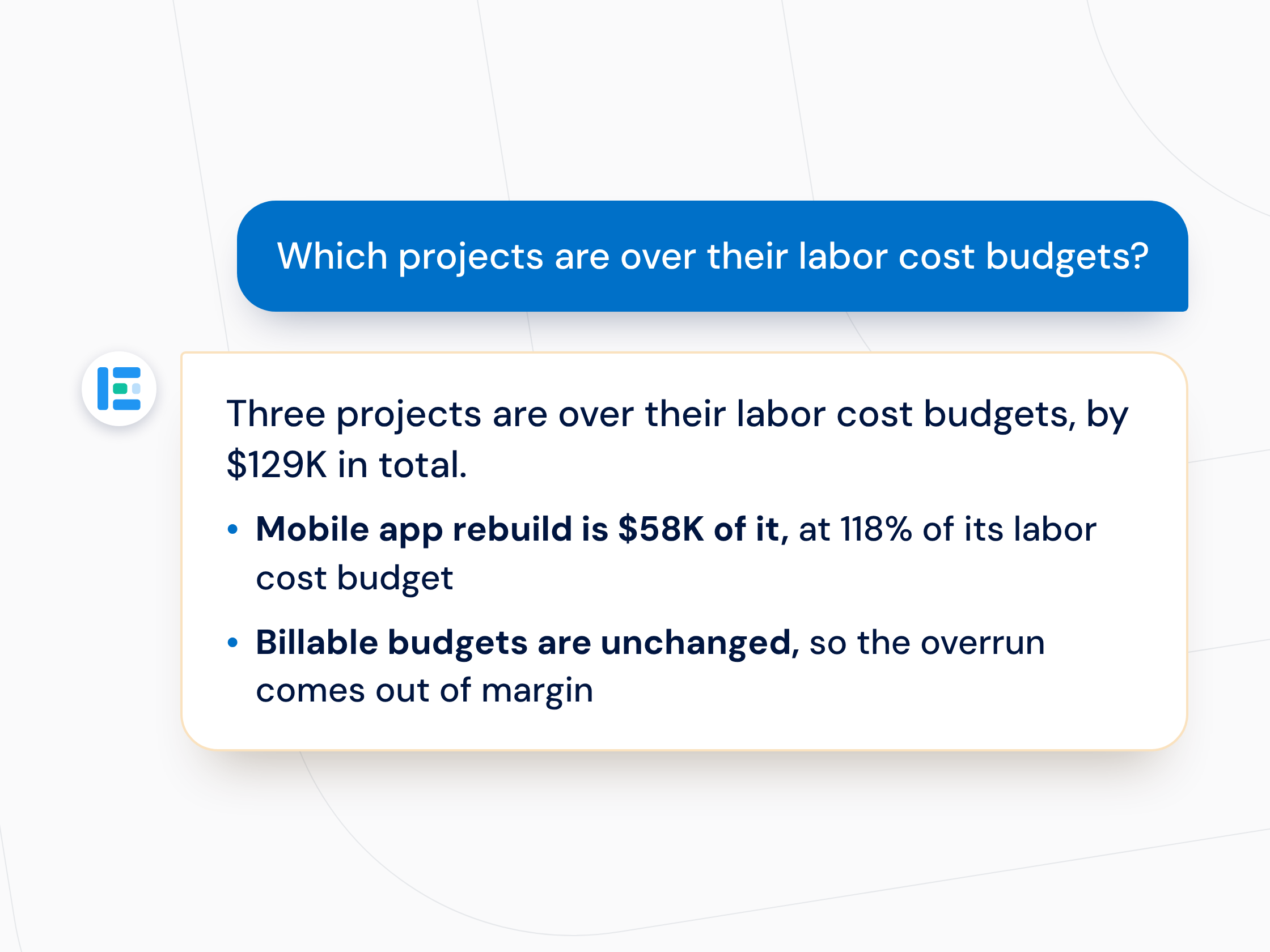
Ask Ellie anything about your labor data

Build with Ellie

Build the dashboard from one prompt. Describe what you need to see and Ellie builds the visualizations. Arrange them, save the dashboard to your Company page in ClickTime and export any visualization to PDF.
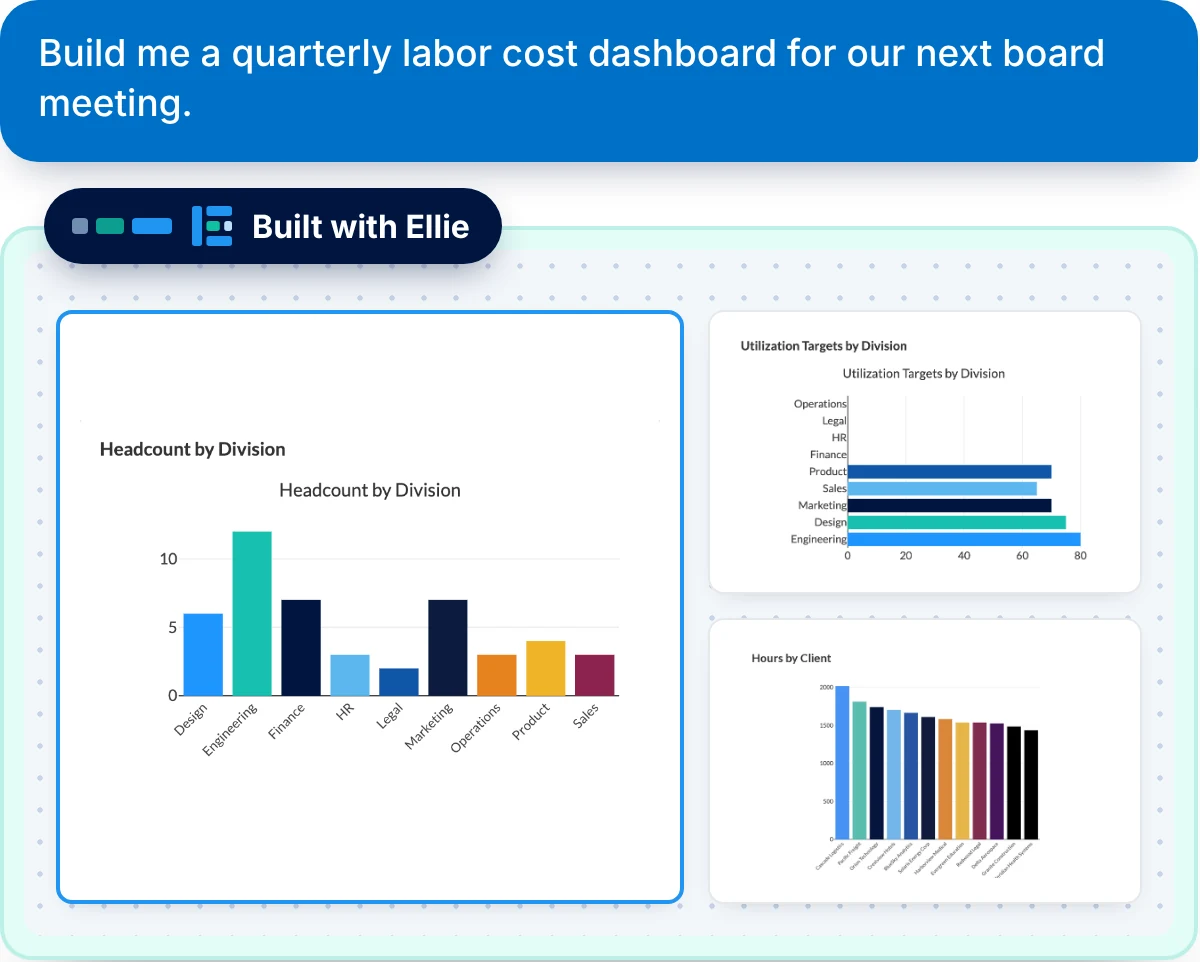
Build dashboards from your labor data

Ellie matching

Start from complete, correctly coded hours. Answers are only as good as the hours underneath them. Connections captures work activity from the team's existing digital footprint across tools. Ellie matches the meetings, documents, tickets, and commits to projects, tasks, and clients in ClickTime.
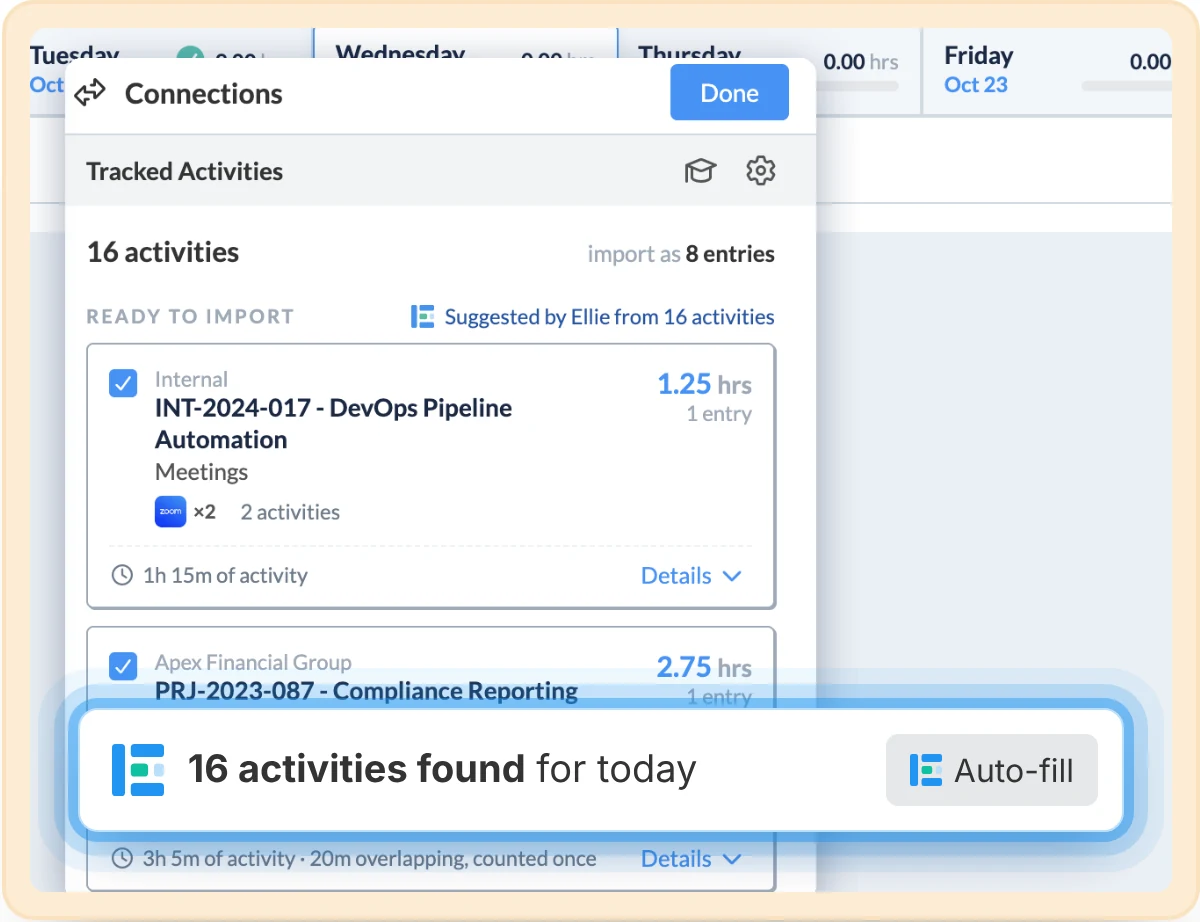
Automatically match tracked time to projects and tasks

Questions finance and ops leaders ask Ellie

  • Are we over budget on any projects this quarter?
  • Which clients are profitable, and which aren’t?
  • What did this project actually cost us?
  • How much time went to overhead last month?
  • Who’s over-allocated this month?
  • What’s still missing before month end?

Every number comes straight from ClickTime

  • Real numbers, not estimates. ClickTime returns the numbers. Ellie understands the question, pulls the right data and says what it shows.
  • Only what your role allows. Ellie sees the same ClickTime data you can, and nothing more.
  • Read-only. Asking a question or building a dashboard never changes your ClickTime data.
Read the AI usage and data privacy overview

Your labor data, answering back.

Ellie opens to more ClickTime accounts in stages. Join to be first in line and get an invite to the live demo.

FAQs

Common questions

Who can use Ellie?

Ellie is part of ClickTime AI, included with Team plans and up. In this release, account admins use Ask and Build. An admin turns on ClickTime AI in Company › Preferences.

When will I get access?

We’re opening Ellie to more accounts in stages. Waitlist members are first in line, and we’ll email you when access opens for your account.

I’m not a ClickTime customer. Can I join?

Yes. Join the waitlist and we’ll invite you to the live demo, then follow up to show you Ellie on questions like yours.

Will there be a live demo?

Yes. Everyone on the waitlist gets an invite to our live webinar. Can’t make it? Register anyway and we’ll send the recording.

Does Ellie change my data?

No. Ellie is read-only. Changes to budgets, rates and projects still happen in ClickTime, by the people who own them.

How is my data protected?

Ellie sees only what your role in ClickTime allows. For the details, read the AI usage and data privacy overview in the ClickTime Trust Center.

More resources from our team

Explore all resources

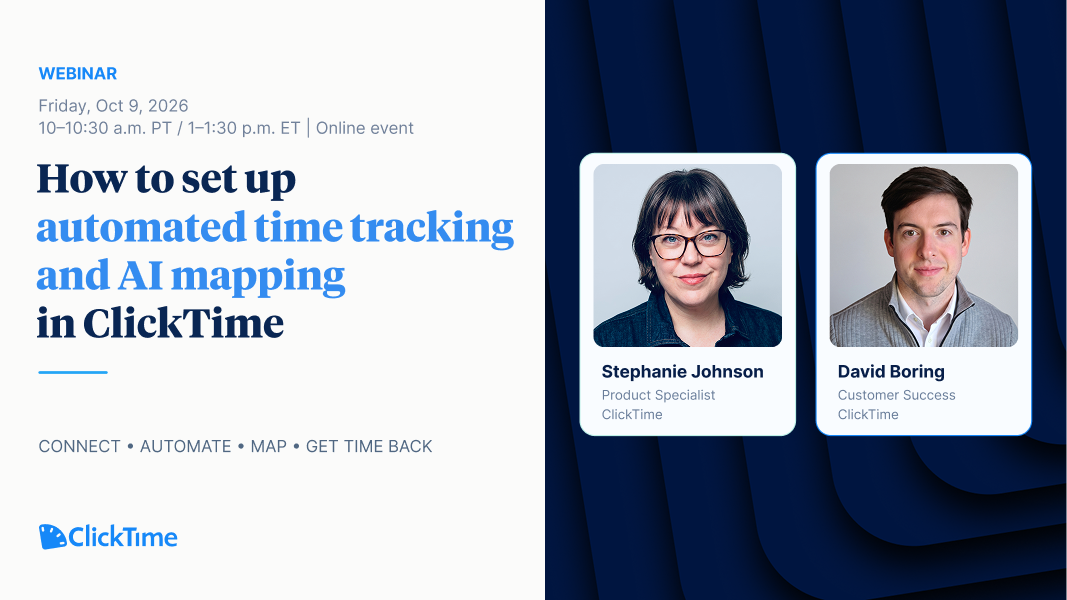
Webinar | How to Set Up Automated Time Tracking and AI Mapping in ClickTime

See Connections and AI mapping set up live, start to finish—and what it changes on your team's timesheet.

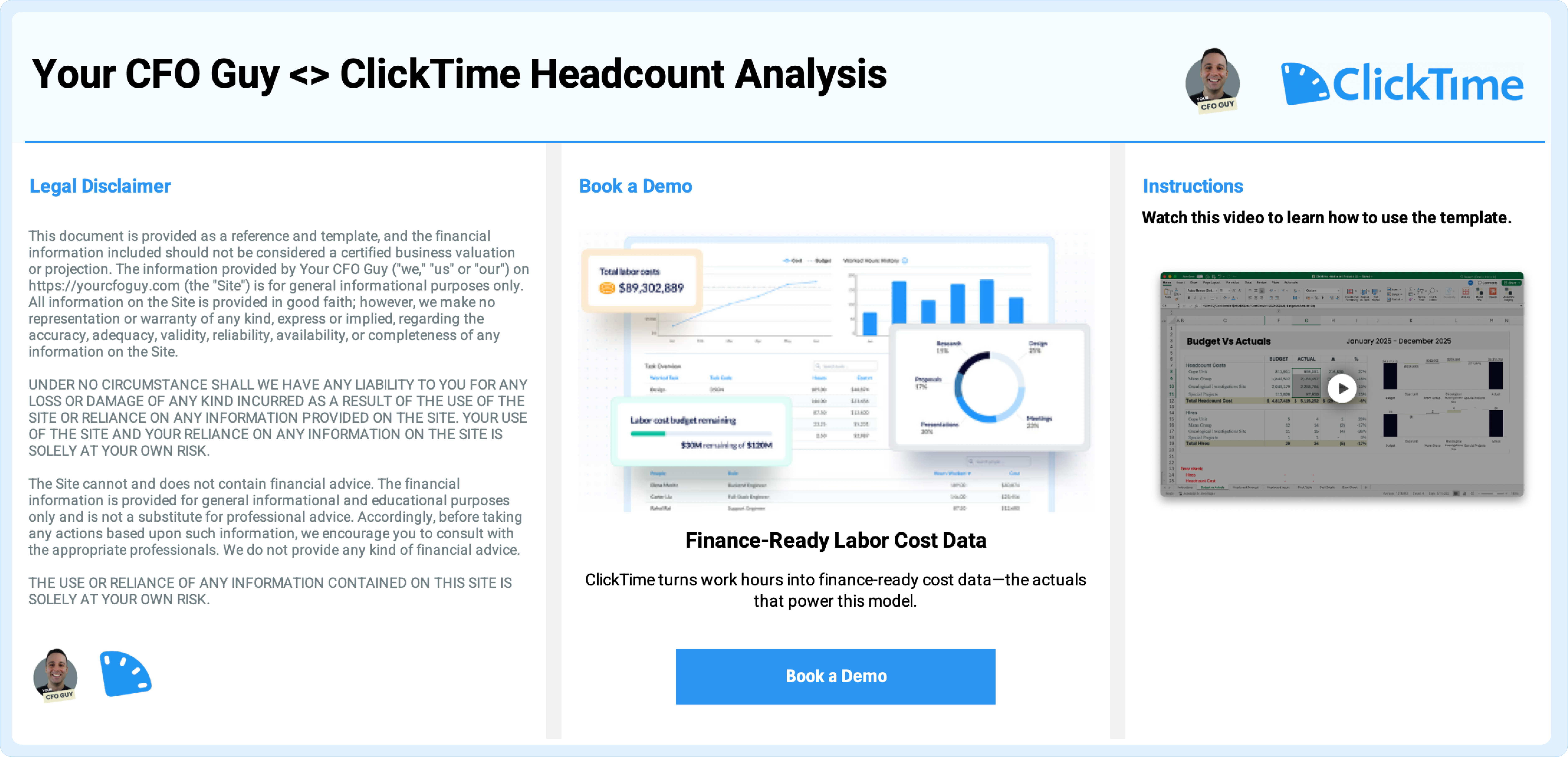
Headcount Forecast Variance Template: Built with Your CFO Guy

Forecast hiring costs, compare budget vs. actuals, and understand labor spend with a flexible Excel model built for real-world planning.

Artificial intelligence grants: 2026 guide to AI research funding

Find AI grants and research funding in 2026. Learn how to write winning proposals, navigate federal programs, and manage compliance for AI projects.

Stop losing visibility into your largest expense

Book a demo
Ask a question

See Ellie work on your labor data

Join the waitlist for first access, or talk to us about what Ellie can answer for your team.

Book a demo
Ask a question