Track reimbursement of expenses alongside time for complete project costs

Capture receipts, mileage, and reimbursable costs in the same system as your time data. Link every expense to the correct project or client to ensure accurate profitability analysis and streamlined approvals.

Get a demo
Trusted by thousands of companies of all sizes

Labor costs are only part of the picture

When time data lives in one system and expenses live in another, project profitability becomes guesswork. You might know how many hours went into a client engagement—but what about the flights, meals, and materials that made delivery possible?

ClickTime brings expenses into the same workflow as time tracking. Employees submit receipts and mileage through the same interface they use to log hours. Every expense ties directly to a project or client, creating an audit trail that finance can trust.

The result: a complete view of what each project actually costs. No more reconciling spreadsheets. No more chasing paper receipts at month-end. Just clean, verified cost data that supports accurate billing, budget management, and margin analysis.


"The reports in ClickTime are simultaneously easy to use and robust."
Robert Buhler
Chairman, MMI Agency

Capture receipts from anywhere

Employees snap photos of receipts using the ClickTime mobile app and submit expenses on the go. No more lost paper, no more end-of-month scrambling to reconstruct what was spent.

  • Upload receipt photos directly from your phone
  • Attach supporting documentation to any expense
  • Access expense history from any device

Route approvals to the right manager

Set up approval workflows that match how your organization operates. Expenses above a threshold go to senior management. Department-level spending stays with department leads. Finance gets visibility without bottlenecks.

  • Define rules based on amount, expense type, or department
  • Multi-level approval chains for high-value expenses
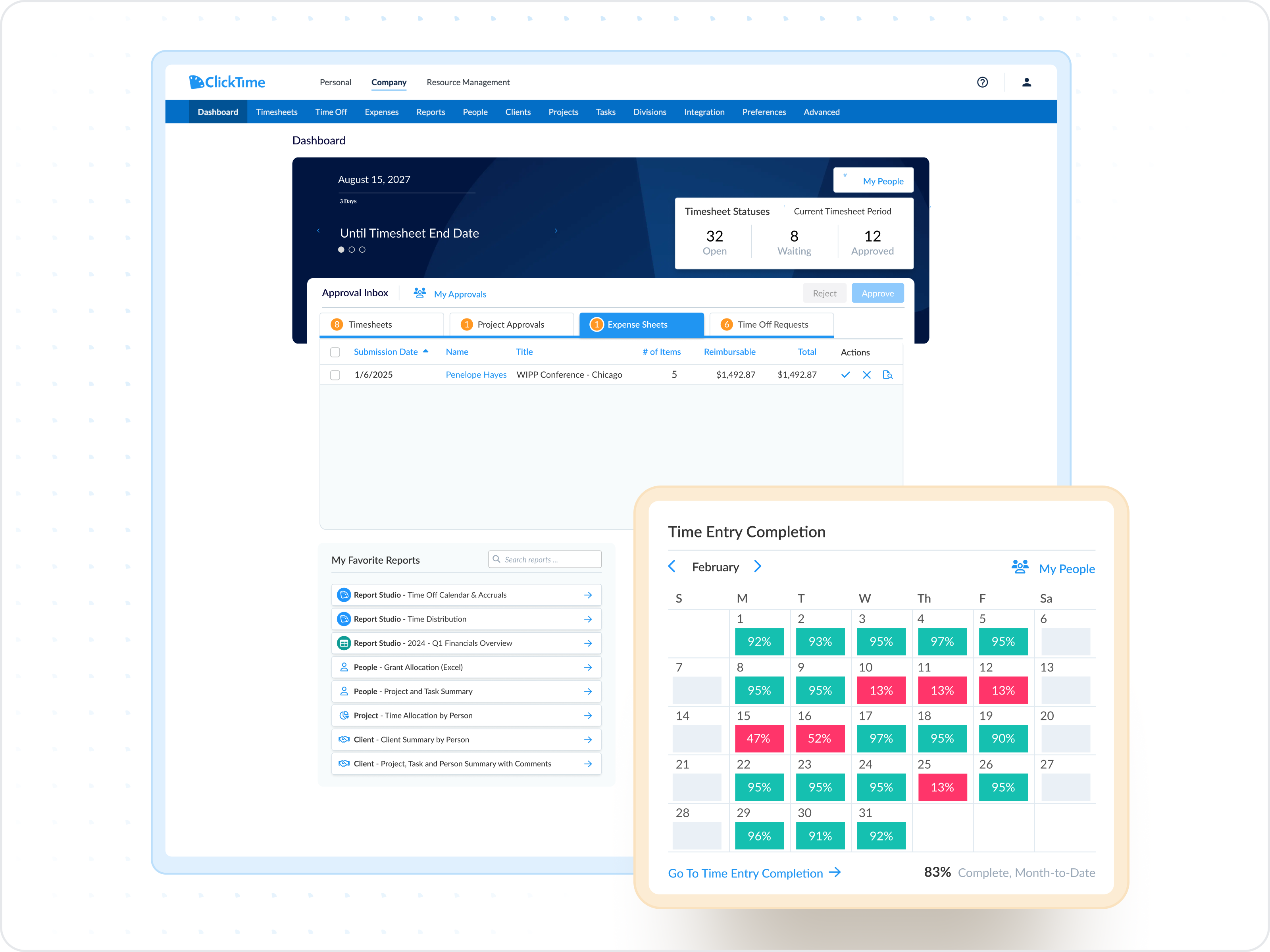
  • Track approval status and outstanding submissions

Link expenses directly to projects and clients

When every expense ties to a project or client, profitability analysis becomes straightforward. Bill clients accurately for reimbursable costs. Track internal project spending. Maintain records that hold up to audit.

  • Employees tag expenses to projects, clients, or cost centers
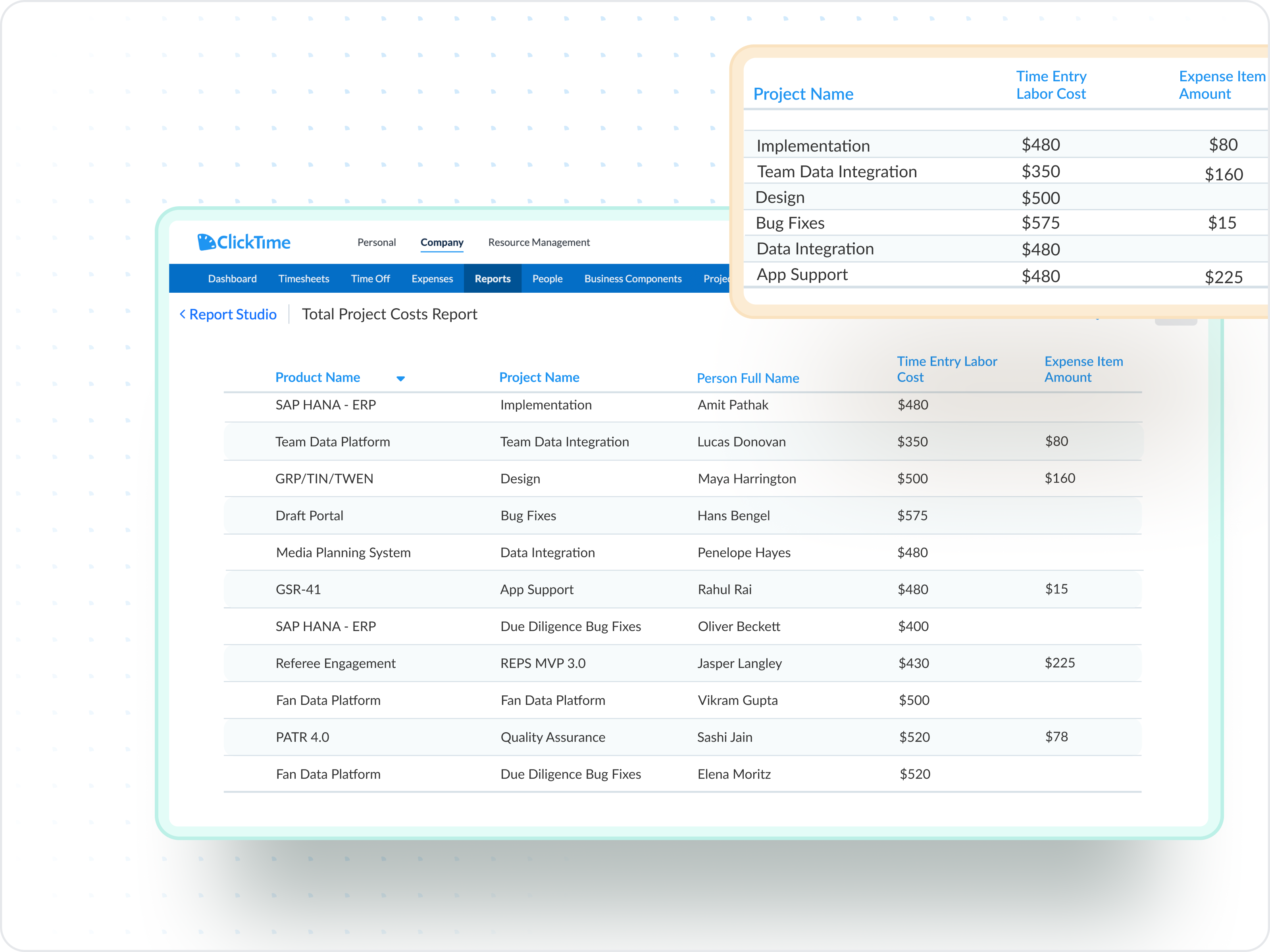
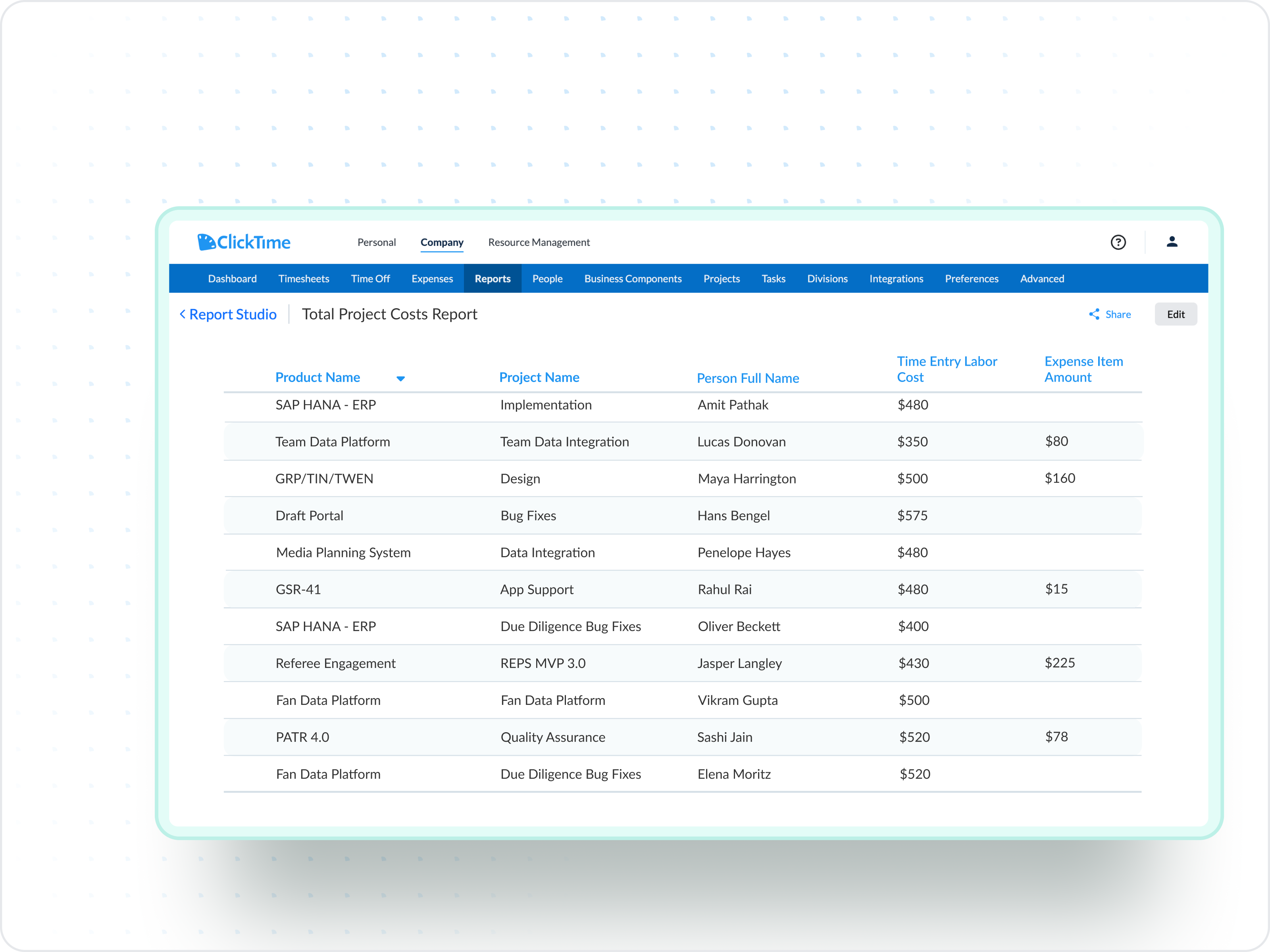
  • See true project costs when you combine time and expenses
  • Export detailed records for client invoicing
Integrations

Purpose-built for labor cost data, not pieced together

View all integrations

Every entry includes approval workflows, complete change history, and instant reporting. Whether it's R&D tax credits, client billing disputes, or grant compliance, you have defensible records without scrambling through spreadsheets or Jira logs.

Smart Connect
Smart Connect
Smart Connect
Smart Connect
Smart Connect
Smart Connect
Smart Connect
Smart Connect

Feature FAQs

Can employees submit expenses from their phone?

Yes. The ClickTime mobile app lets employees create expense sheets, snap photos of receipts, and log mileage on the go. Expenses sync automatically, so nothing gets lost between the road and the office.

Can employees submit expenses in foreign currencies?

Yes. ClickTime supports over 160 global currencies with exchange rates updated daily. Employees submit expenses in the currency they were incurred, and the system calculates accurate reimbursement amounts based on current rates.

How do we track mileage reimbursement?

Set your organization's mileage rate in ClickTime and employees log their distance. The system calculates reimbursement amounts based on your defined rate. You can update rates as IRS guidelines or company policies change.

Can we see which approved expenses have been paid?

Yes. Administrators can track the status of all approved expense sheets—seeing which have been fully reimbursed and which are still outstanding. This helps ensure employees get paid on time and nothing falls through the cracks.

See the full cost of every project

Book a demo
Ask a question

Stop losing visibility into your largest expense

Book a demo
Ask a question