Your headcount numbers shouldn't live in five different spreadsheets
Headcount is typically the largest line item on the P&L. Yet most finance teams are still stitching together hiring plans, labor costs, and actual spend from disconnected sources — with no clean way to compare what was planned against what was spent.
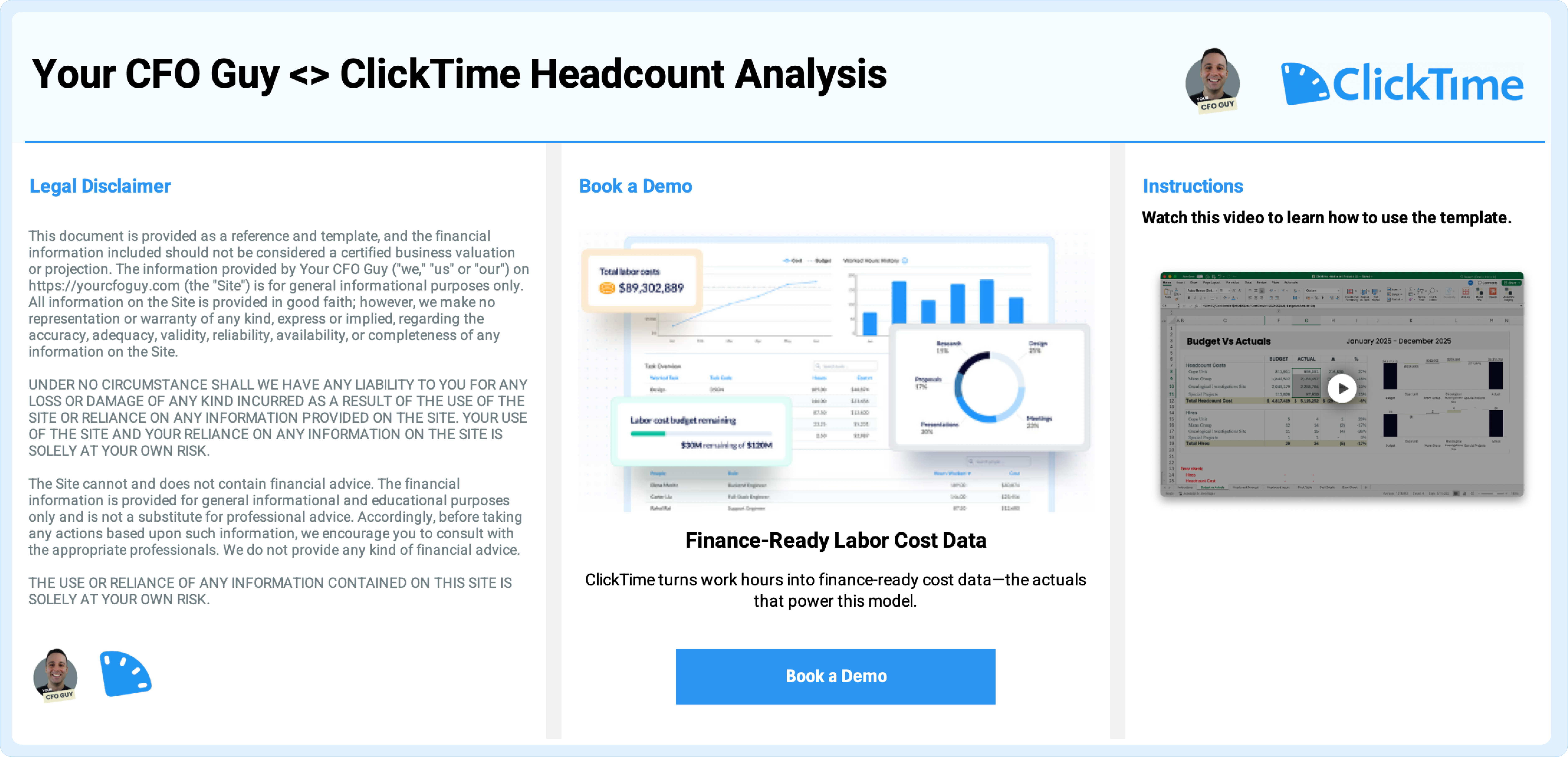
This template gives finance teams one structured model to do it all. Connect your ClickTime data and a live pivot table breaks labor costs down by project, division, and person automatically. Add your headcount forecast directly in the template, and the budget vs. actuals view builds itself.
The result: a single, defensible report that shows leadership exactly where labor dollars went and how actual spend compared to plan.
What's inside
Headcount inputs: Track employees, start dates, hiring plans, and projected costs in one place.
Cost details: Import actual labor cost data or estimate hours manually.
Dynamic pivot reporting: Analyze costs by project, division, and individual contributor. Filter by team, time period, or cost center.
Budget vs. actuals dashboard: Compare planned headcount costs against actual spend. See variance at a glance without manual reconciliation.
Variance waterfall: Understand exactly where labor costs changed, by how much, and why, before leadership asks.
"Most financial models have a blind spot where labor costs should be. But when someone on the board asks why project A came in $200k over budget, you're back to manually splitting payroll in a spreadsheet. This model fixes that by showing you exactly how labor costs compare to forecasted headcount budget."— Josh Aharonoff, Your CFO Guy