Work happens in one set of tools—Jira tickets, Zoom calls, Google Calendar events, GitHub commits, and team communications. Finance needs that work recorded in another—cost codes, project IDs, billing categories, compliance buckets—and those inputs can even be converted into project tasks with natural language processing.
Bridging that gap has always been a manual job. Someone—usually the employee—has to sit down at the end of the week and reconstruct what they did, figure out which project it maps to, and enter it all by hand. The result is time data that’s late, incomplete, and just accurate enough to be misleading.
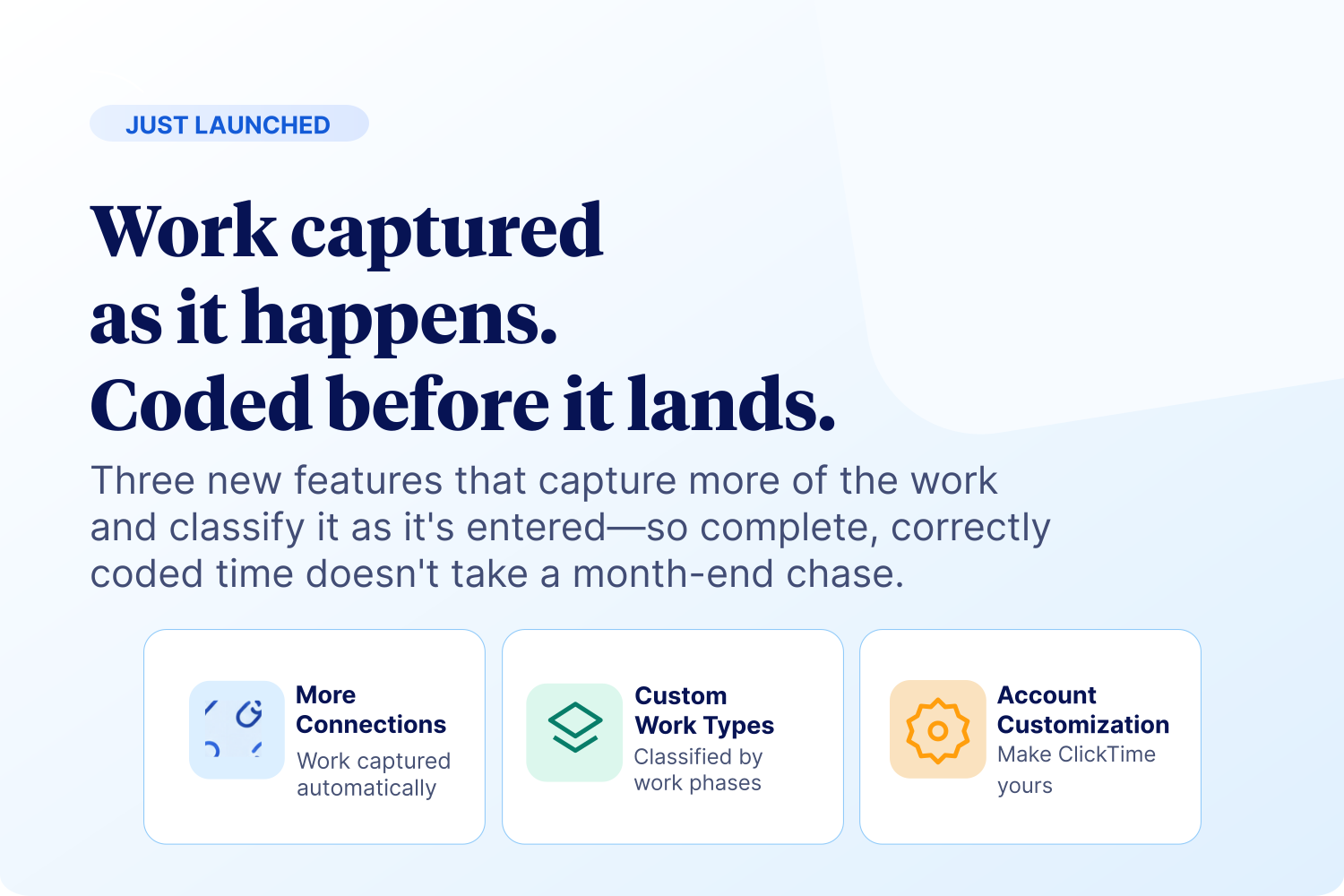
ClickTime AI closes that gap. It reads work activity from the tools your team already uses and maps it to timesheet entries automatically—using a structured matching system designed to be as accurate as possible without ever monitoring employee behavior.
This post explains how it works.
What ClickTime AI reads—and what it doesn’t
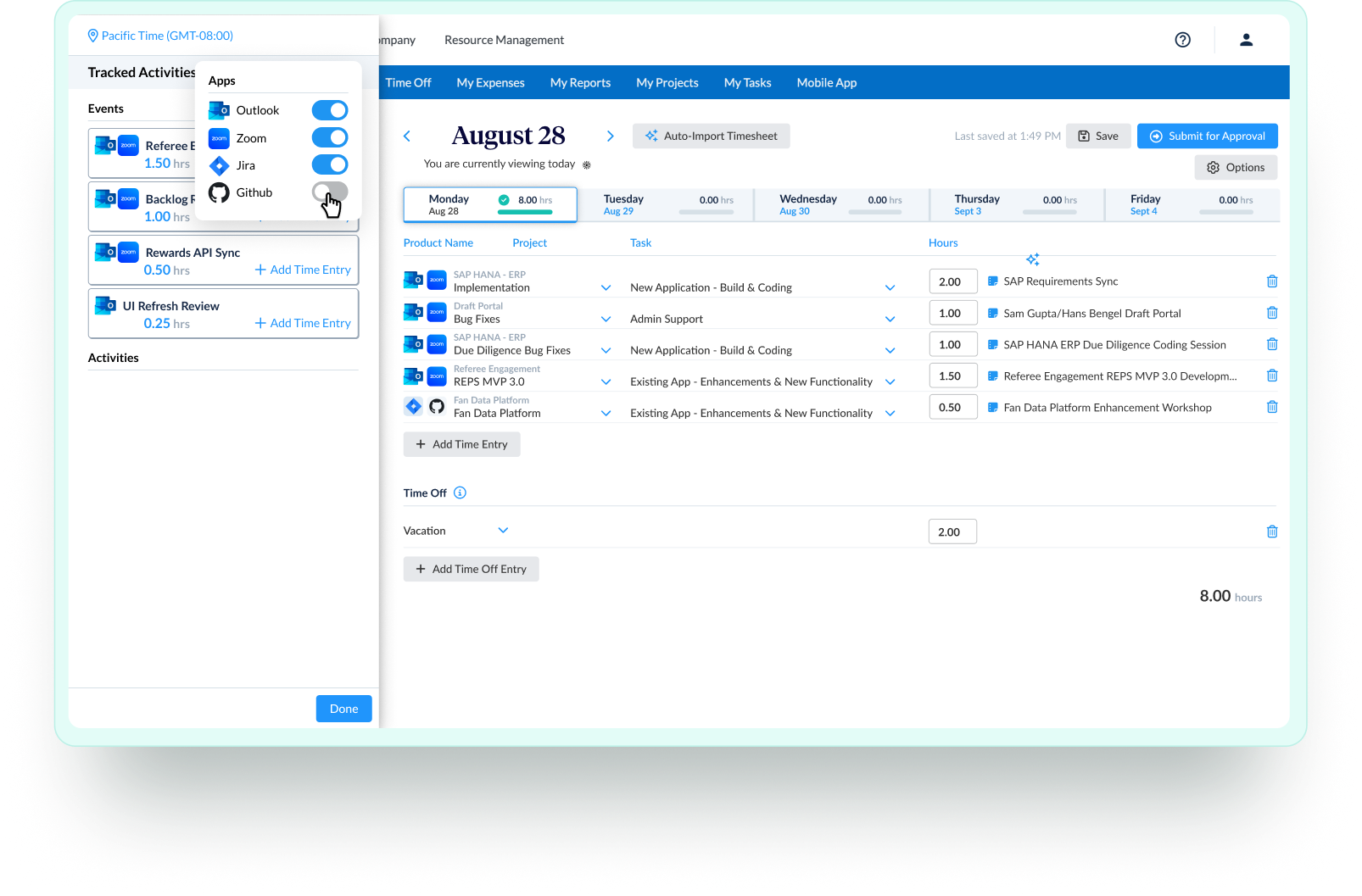
ClickTime AI connects to the work systems your team uses and reads their outputs—not their behavior. There’s no keystroke logging, no browser activity tracking, no screenshots. The system reads structured data that already exists: calendar event titles and descriptions, ticket names and metadata, meeting records, commit messages.
Current integrations for AI time mapping:
- Google Calendar
- Outlook Calendar
- Zoom
- Jira
- GitHub
- Google: Meet, Docs, Sheets, Slides
- Microsoft: Word, Excel, PowerPoint, OneNote, PDF Viewer, Visio, Loop, Whiteboard, Clipchamp, Access, Publisher, Project
More integrations are coming—project management tools, meeting platforms, and document platforms—with the goal of covering every surface where work actually happens.
For each event or activity it finds, the system asks one question: which job in ClickTime does this belong to? That’s where the matching engine comes in.
How ClickTime AI matches activity in work tools to project and cost codes
ClickTime AI evaluates available jobs against seven tiers of matching logic—moving from the most specific and reliable signals down to broader AI inference. The process stops as soon as a strong enough match is found.
A few things worth noting about how this works in practice:
- The system learns from you. Every time you accept a classification, that event becomes a Tier 1 signal for future occurrences. Every rejection teaches the system what not to do next time.
- Colleagues make you more accurate. If a teammate has already classified a shared meeting, their history counts as a Tier 1.5 signal—meaning new employees or occasional attendees benefit from the classifications of others on the same meeting series.
- The AI tiebreaker (Tier 2.5) is narrow. It only activates when two or more jobs match at the same confidence level. It’s not a catch-all—it’s a disambiguation layer.
- Low-confidence matches are flagged. Tier 3 and Tier 4 results are shown with a visible confidence indicator so employees know to review them more carefully before accepting.
- Some events won’t match. If an event title is too vague—“Sync,” “Check-in,”—the system may return no match. Those require manual classification. Over time, as employees add context to their calendar events, these gaps shrink.
What employees see
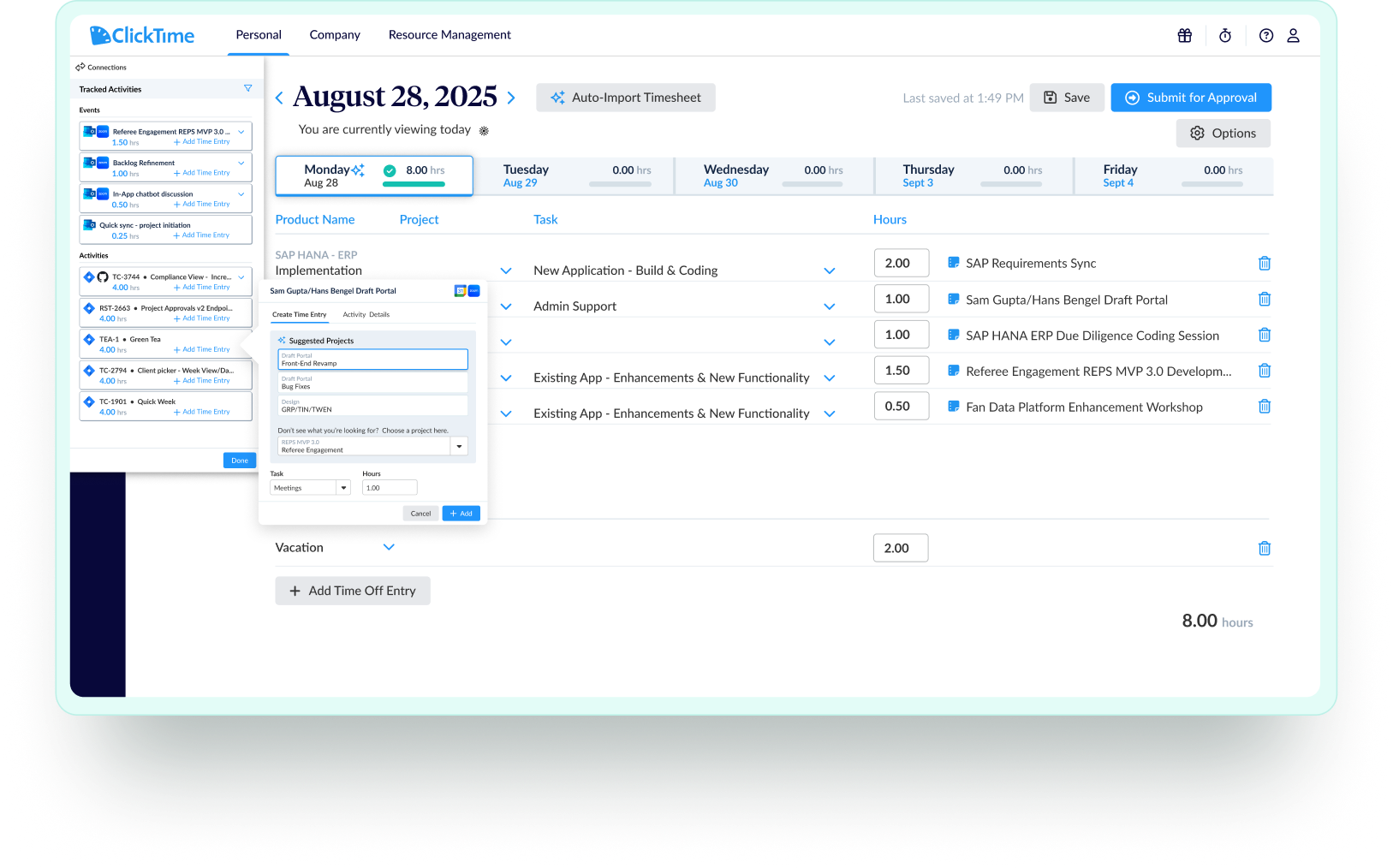
For each work event, ClickTime AI surfaces up to three suggested jobs and a suggested task. These appear in the connections modal alongside the original event details.
Accepting a match takes one click. The classification is recorded, and future occurrences of that event are automatically matched at Tier 1—meaning employees do the work of classifying a recurring meeting once, and the system handles it from there.
Rejecting a match is equally simple. Employees select the correct job manually, which immediately feeds back into the model and improves the next classification for that event type.
The goal is to reduce timesheet completion from a reconstruction task to a review task. Instead of building entries from scratch, employees confirm or correct what the system already knows.
What finance gets
From a finance perspective, the output of AI time mapping is the same as any other time entry in ClickTime: categorized, approved, audit-ready labor data tied to the projects and cost codes that matter.
The difference is completeness. Manual timesheets miss hours. They’re entered late, estimates replace recollection, and employees round rather than report. AI time mapping captures the work as it happens and presents it for review before it’s submitted—which means fewer gaps, more accurate project cost data, and labor records that hold up when it matters.
For organizations tracking CapEx/OpEx, R&D tax credits, grant allocations, or client billing, the accuracy of that underlying data has direct financial consequences. AI time mapping addresses the problem at the source.
Try it in your account
AI time mapping is available on Team, Premier, and Enterprise plans. Connect your first work tool in your ClickTime settings and see what the system maps for your team.
Learn more about ClickTime AI →