Capacity planning software built on real labor data

Plan capacity and headcount using verified labor data—not estimates. ClickTime shows where hours go so you can staff with confidence.

Get a demo
Trusted by thousands of companies of all sizes

Blending Future Planning with Today’s Needs

Over half of organizations rely on leadership estimates to allocate labor—and 50% have experienced budget overruns as a result. Capacity planning built on guesswork leads to overhiring, burnout, and missed deadlines. ClickTime gives finance and operations leaders verified utilization data so every staffing and headcount decision starts with what's actually happening—not what managers think is happening.

Staff from actuals, not estimates

Make hiring and allocation decisions based on verified labor data across every project and cost code

Visibility across every team

See real-time workload and utilization so you can balance capacity before burnout or bottlenecks hit

Finance-ready workforce data

Connect capacity decisions to labor costs so headcount planning aligns with budgets, not just project plans

"ClickTime has changed how we run our business. It has helped us track productivity and better plan to deliver for our clients."
Eve Luppert
Vice President of HR and Operations, SALT

Plan headcount using data your team already generates

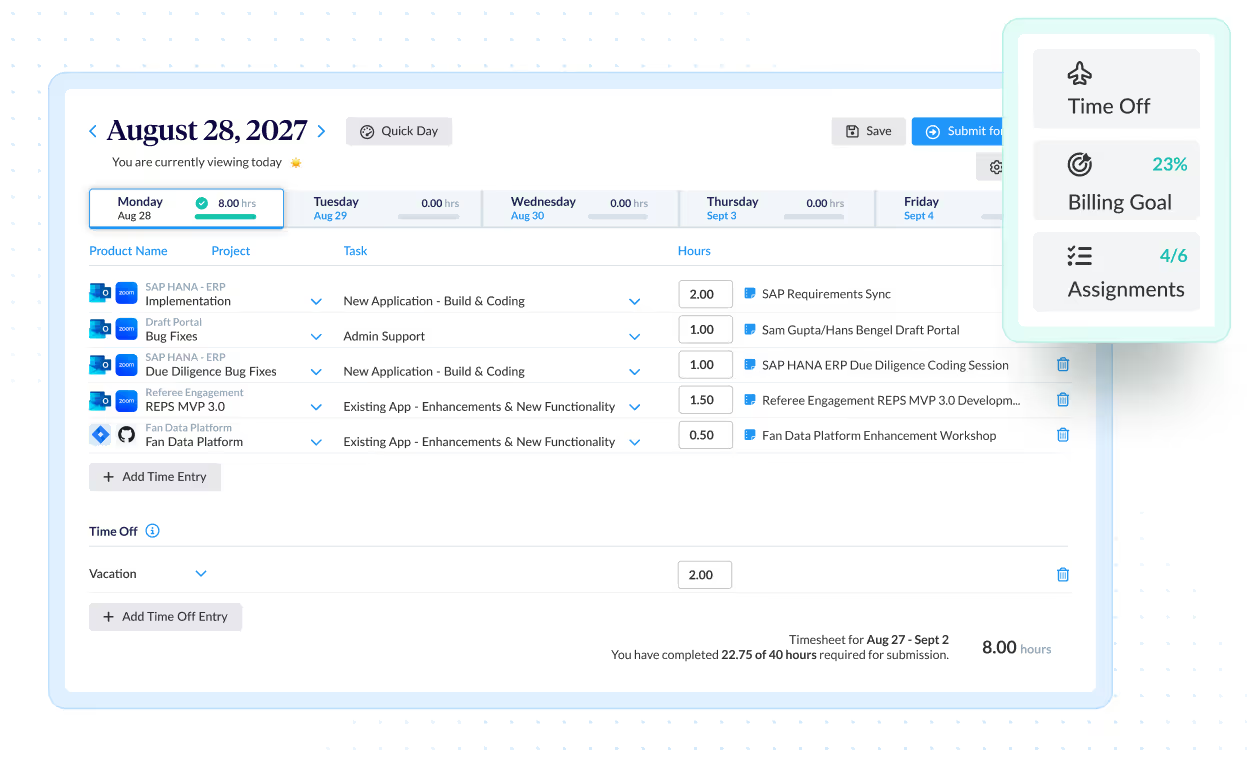
  • ClickTime AI maps activity from your existing tools—project management software, Google and Microsoft calendars, and meeting platforms like Zoom—into the project and cost codes finance and operations need, with zero disruption to employee workflows
  • See exactly how many hours each project consumed historically, then compare against available capacity to determine whether you need to hire, redistribute, or hold
  • Replace manager estimates and spreadsheet guesswork with verified utilization data that supports headcount decisions for CapEx, OpEx, R&D, and resource allocation across the organization

Balance workloads before they become retention problems

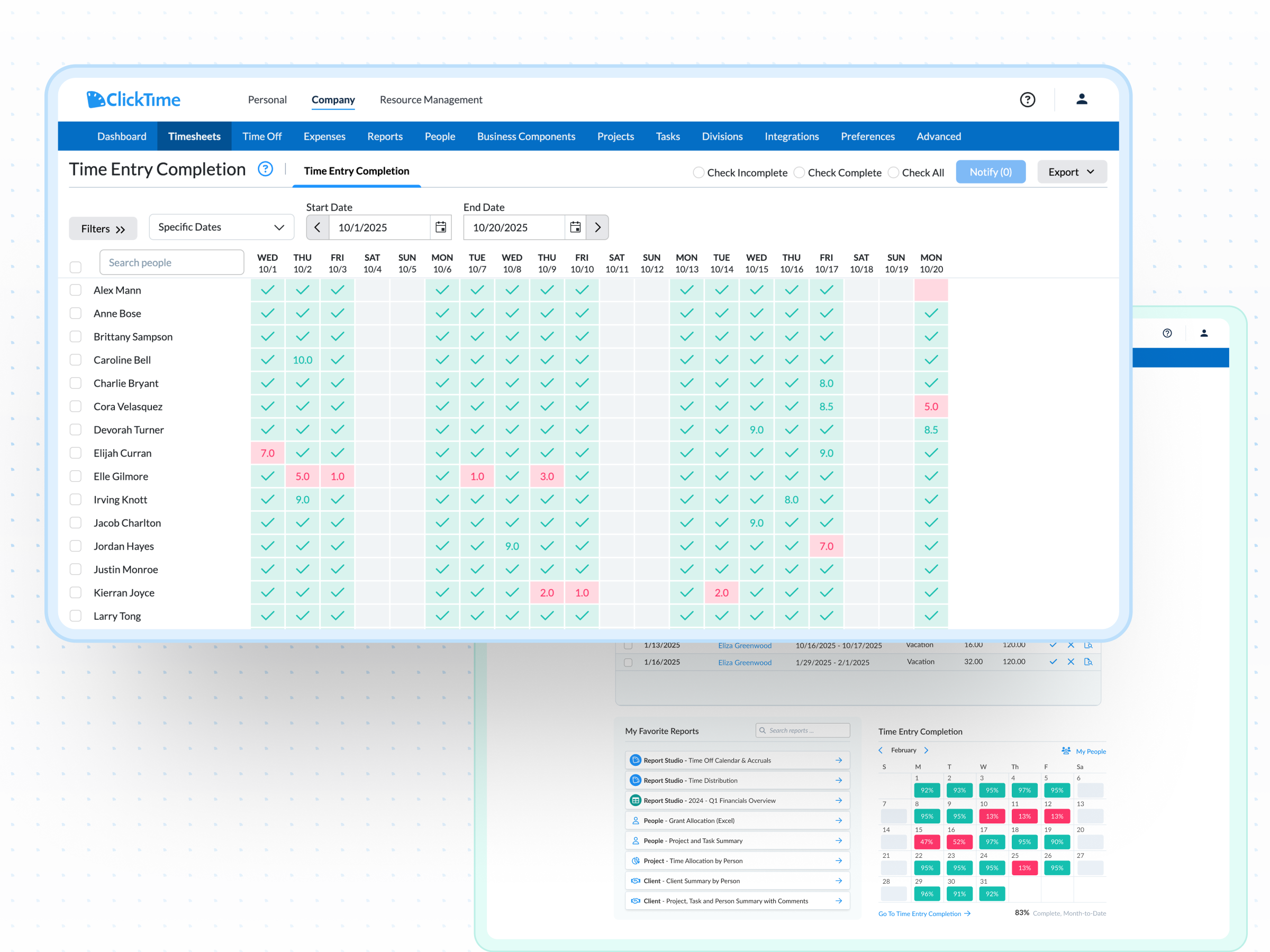
  • Identify which team members are overallocated and which have capacity for new projects—before deadlines slip or people burn out
  • Track utilization against billing targets so every employee is staffed appropriately and your firm protects both margins and morale
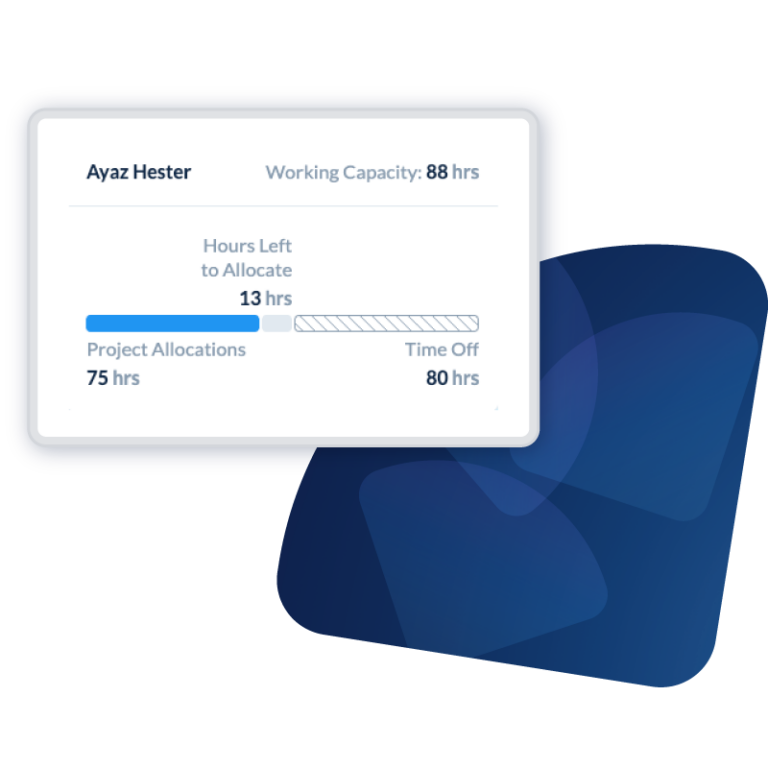
  • Account for vacations, leave, and capacity fluctuations in real time using integrated leave management so coverage gaps never catch you off guard

Give every leader the capacity view they need

  • Project managers see team-level workload and burn rates; finance leaders see labor costs by cost center and budget; executives see portfolio-level capacity across the organization
  • Share real-time capacity reports across stakeholders so hiring conversations start with the same verified data—not competing assumptions
  • Protect sensitive information with role-based permissions that give each person access to exactly the data they need for workforce planning decisions
Integrations

Purpose-built for labor cost data, not pieced together

View all integrations

Every entry includes approval workflows, complete change history, and instant reporting. Whether it's R&D tax credits, client billing disputes, or grant compliance, you have defensible records without scrambling through spreadsheets or Jira logs.

ClickTime AI
ClickTime AI
ClickTime AI
ClickTime AI
ClickTime AI
ClickTime AI

Feature FAQs

What is capacity planning software, and what does it do?

Capacity planning software helps organizations understand whether they have enough people—and the right people—to handle current and upcoming work. It tracks workforce utilization, identifies bottlenecks, and provides the data leaders need to make informed hiring, allocation, and scheduling decisions. ClickTime approaches capacity planning differently by grounding every decision in verified labor cost data rather than manager estimates, giving finance and operations a shared foundation for workforce planning.


How is capacity planning different from resource planning and scheduling?

Resource scheduling assigns specific people to specific tasks on a timeline. Capacity planning operates at a higher level—it answers whether your organization has enough total capacity to take on new work, sustain current commitments, or justify new hires. ClickTime provides the utilization and labor cost data that makes both resource planning and capacity planning accurate, connecting what's happening on the ground to the financial picture leadership needs.

What features should I look for in capacity planning software?

Look for real-time utilization visibility, the ability to compare actual hours against planned capacity, and integration with the tools your team already uses. The most important differentiator is data quality—capacity plans built on unverified estimates lead to the budget overruns that 50% of organizations have experienced. Prioritize software that captures verified labor data and connects it to financial categories like cost centers, billing codes, and project budgets.

Can project management software handle capacity planning?

Project management tools track tasks and deadlines, but they aren't designed to capture labor costs in a way finance can use for capacity decisions. They show where work is planned to go—not where hours actually went or what they cost. ClickTime bridges this gap by pulling activity data from project management tools, calendars, and meeting software, then mapping it to the project and cost codes that finance and operations leaders need for real capacity planning.

Your Partner in Capacity Planning

ClickTime is your dependable partner in effective capacity forecasting. Our Capacity Planning Solutions empower business leaders to predict upcoming workloads, identify potential gaps and surpluses in resource allocation, and balance their staffing levels accordingly. With ClickTime, you’re not just reacting to changes, you’re anticipating them, leading to proactive planning and successful outcomes.

Book a demo
Ask a question

Stop losing visibility into your largest expense

Book a demo
Ask a question