




Mobile time tracking and expense management app

Track time and expenses from anywhere with ClickTime's mobile app for iPhone and Android. Every hour and receipt flows into finance-ready reports.

Get a demo
Trusted by thousands of companies of all sizes

ClickTime Mobile

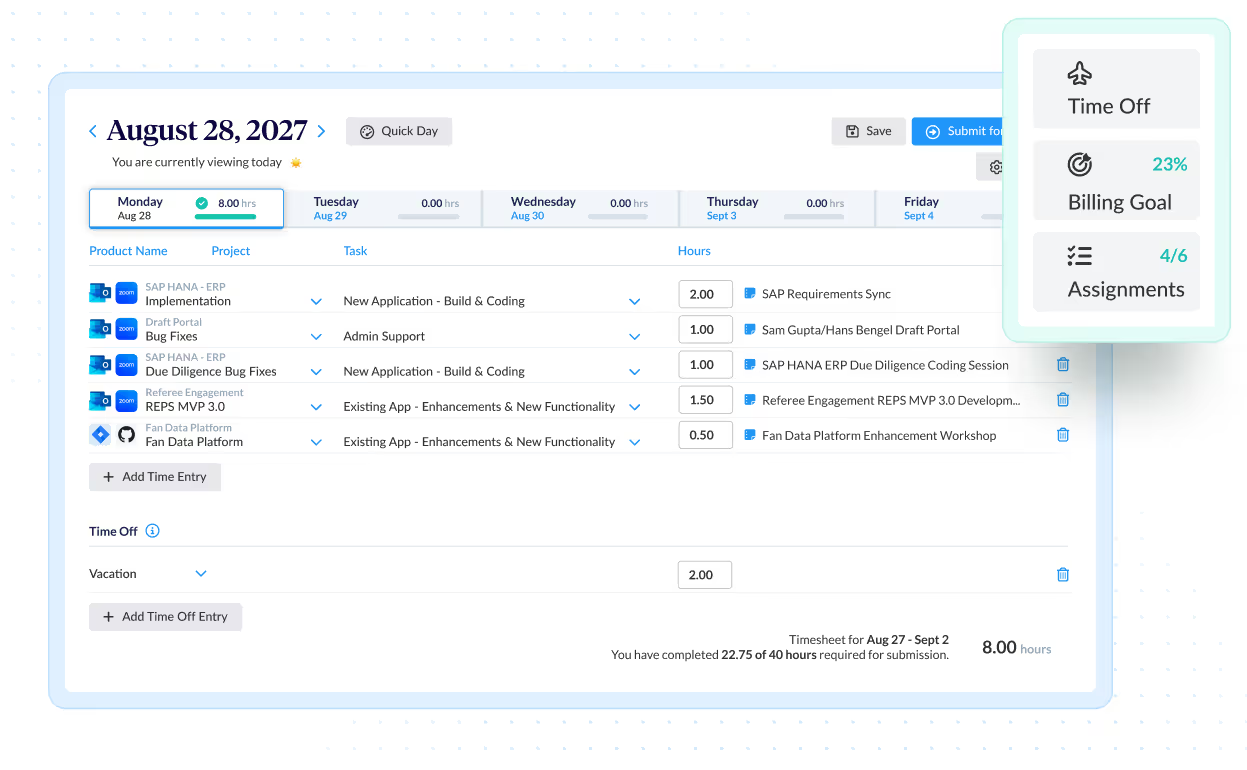
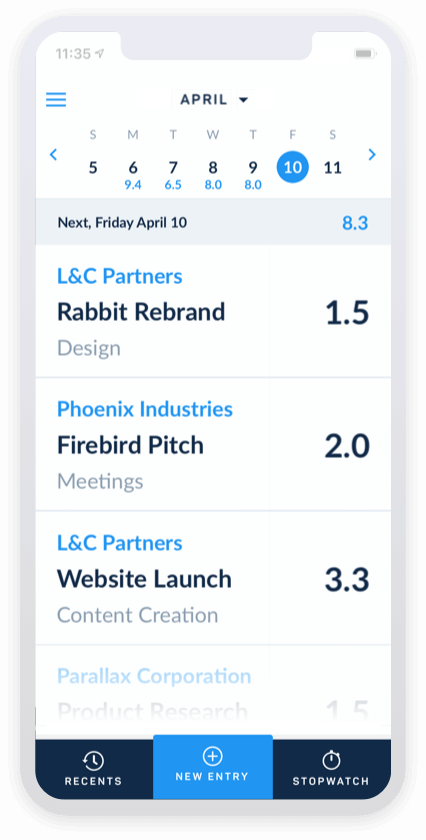
Every hour logged away from a desk is an hour at risk—of being forgotten, misallocated, or never billed. ClickTime's mobile app for iPhone and Android gives employees a fast way to track time and expenses from anywhere, so that data reaches finance exactly the way it needs to.

Stop losing billable hours to forgotten time entries

  • Employees log hours against specific clients, projects, and tasks the moment work happens—not days later from memory
  • Offline mode captures time entries even without an internet connection, then syncs when connectivity returns
  • Every mobile entry feeds the same reporting and analytics your finance team already relies on

Expense tracking that doesn't wait until you're back in the office

Receipts fade, get lost, or never make it into the system. ClickTime's mobile app lets employees photograph receipts, create expense sheets, and track reimbursable totals from the road—with or without a connection. When expenses are captured at the point of purchase, finance gets accurate cost data and employees get reimbursed faster. Learn more about ClickTime's expense tracking features.

One app for time and expenses across every device

  • Available on iPhone, iPad, and Android—so your team can track time however they work
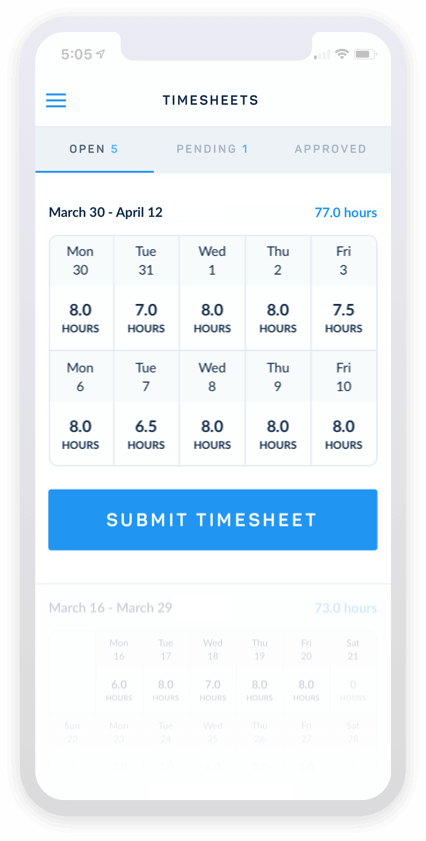
  • Mobile data syncs with your online timesheets and expense management tools for a single source of truth
  • Built for the same approval workflows and audit-ready records as the web platform
Integrations

Purpose-built for labor cost data, not pieced together

View all integrations

Every entry includes approval workflows, complete change history, and instant reporting. Whether it's R&D tax credits, client billing disputes, or grant compliance, you have defensible records without scrambling through spreadsheets or Jira logs.

Smart Match
Smart Match
Smart Match
Smart Match
Smart Match
Smart Match

Feature FAQs

What is the best time tracking app for employees?

The best employee time tracking app depends on what your organization needs from the data. If you only need a basic time log, many apps will work. If your finance team needs verified, categorized labor cost data for billing, budgets, or audits, ClickTime is built for that. Every hour logged on mobile flows into the same finance-ready reports as desktop entries—so nothing gets lost between the field and the back office.

Can I track time and expenses offline with a mobile app?

Yes. ClickTime's mobile app supports offline time and expense entry for both iPhone and Android. Employees can log hours, create expense sheets, and photograph receipts without an internet connection. All data syncs to ClickTime when connectivity returns, so nothing is lost when your team works in the field or travels.

How does a time tracking app help reduce billing errors?

When employees log time at the moment work happens—rather than reconstructing their week from memory—the data is significantly more accurate. ClickTime's mobile app ties each entry to a specific client, project, and task, which means billing inputs are verified and categorized before they ever reach an invoice. This reduces revenue leakage and protects margins.

What features should I look for in an employee time tracking app?

Look beyond basic time logging. The app should tie hours to clients, projects, and cost categories at the point of entry. Offline support matters for field and travel scenarios. Expense tracking with receipt capture eliminates a separate workflow. Most importantly, the data should flow into finance-ready reports—not just a spreadsheet export—so the hours your team logs are actually usable for billing, budgeting, and compliance.

Stop losing visibility into your largest expense

Book a demo
Ask a question